May 18, 2026
Information technology students removed hardware and platform limitations to enable VR and desktop users to socialize together in a virtual environment.
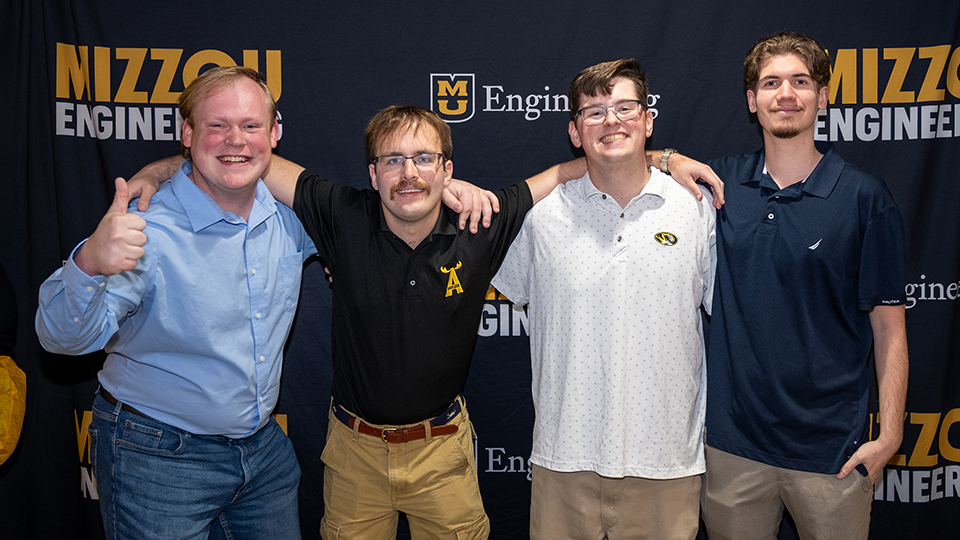
Senior capstone projects at Mizzou Engineering help prepare students for their careers while utilizing hands-on learning to encourage innovation and teamwork to tackle real-world problems.
This spring, a quartet of information technology seniors built a browser-based WebXR environment that brings together virtual reality and desktop users in a shared virtual environment.
Team
Quincy Crawford, Andy Cross, Sam Herrmann and Tyler LePlant
Challenge
Our group wanted to address two problems with this capstone: the lack of accessible online “third spaces” for people to socialize, and the platform limitations of current social VR environments. Many immersive social platforms require specific hardware, native app downloads, or closed ecosystems, which can make them difficult for people to access.
We wanted to explore whether a browser-based WebXR environment could create a more open social space where VR users and desktop users could join together, talk, interact and spend time in a shared virtual environment without needing a specific device or app.
Process
We built the project in stages, starting with a basic WebXR environment in Babylon.js and then adding desktop and VR movement controls. After that, we developed the multiplayer system using Node.js and Socket.IO, so players could see each other move in real time.
Once the core multiplayer experience was working, we added WebRTC voice chat, avatar customization, multiple rooms, shared interactable objects, a karaoke TV and a multiplayer darts minigame. A major part of the process was restructuring the project from a single test scene script into a reusable multi-scene architecture so new rooms and features could be added seamlessly.
Results
The result was a browser-based WebXR social space that works for both VR and desktop users. Players can join through a web browser, move through multiple environments, see synchronized avatars, use proximity-based voice chat, customize their avatars and interact with shared activities like darts and karaoke.
Overall, our project showed that open web technologies can support a stable and engaging social XR prototype without requiring users to download a native app or use one specific hardware platform.
Lessons learned
As a team, we learned a number of lessons, such as the importance of time management and communication. Additionally, we gained a greater appreciation for the tools and systems often taken for granted in other development environments and what a real development environment looks like. We learned new technologies and skills, such as JavaScript, integrating voice communication and multiplayer networking.
Conclusion
As a team, we were able to draw on a wide range of experiences and coursework from the IT program at Mizzou. Classes in UI and game design, software engineering, 3D animation, web development and XR gave us the foundation needed to approach this project.
The strong community within Mizzou Engineering helped build close relationships and we were lucky enough to complete this capstone with some of our closest friends.
Discover more Mizzou Engineering capstone projects!